 HEXZON
Desktop PC diagnostics
For desktops that fail to power on or boot, shut down unexpectedly or crash under load. Share the system specs, recent hardware changes and when the fault occurs.
ELECTRONICS REPAIR & DIAGNOSTICS
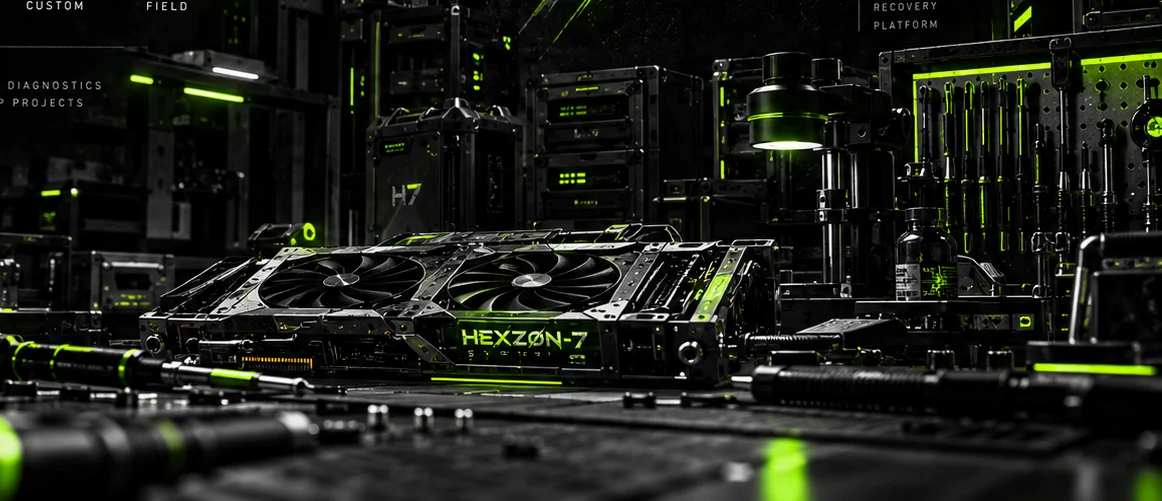
HEXZON 7 focuses on fault-finding for desktop PCs, graphics cards and motherboards, with board-level repair and refurbishment considered where practical.
01 / REPAIR FOCUS
Enquire about the work below. Assessment availability and repair options depend on the device, its condition and any parts needed.
For desktops that fail to power on or boot, shut down unexpectedly or crash under load. Share the system specs, recent hardware changes and when the fault occurs.
Enquire about suspected graphics card faults involving a black screen, visual artefacts, overheating or crashes under load. Share the exact card model and when the issue occurs.
For suspected board faults such as repeated restarts, visible damage or a failed power-on self-test (POST). Include the board model and revision, plus any diagnostic lights or codes.
Enquire about board-level soldering for damaged connectors, lifted pads or faulty surface-mount components. Feasibility depends on the damage, available parts and prior repair work.
Enquire about cleaning, cooling maintenance and condition checks for used desktop hardware. Include the model and how you plan to use it.
02 / ABOUT HEXZON 7
A blank screen can point to the graphics card, the motherboard or the power supply. Start with the symptom and what was happening when it appeared.
HEXZON 7’s approach is to narrow down the fault before deciding whether a repair or refurbishment makes sense. A useful first enquiry includes the exact model, the symptoms and any troubleshooting already tried.
03 / SERVICE ENQUIRY
Email repairs@hexzon7.com or prepare a draft below. Keep passwords and other sensitive information out of your enquiry.
The draft stays on this page until you copy it or open it in your email app. Wait for a reply before arranging a drop-off or shipping hardware.
To prepare an enquiry manually, write down the repair category, device make and model, symptoms and any troubleshooting you have tried.